Description
Upgrade your WooCommerce product pages by replacing boring variation dropdowns with beautiful, modern, and fully interactive selection styles. Make choosing product options fast, intuitive, and mobile-friendly — without writing a single line of code.
✨ What This Plugin Does
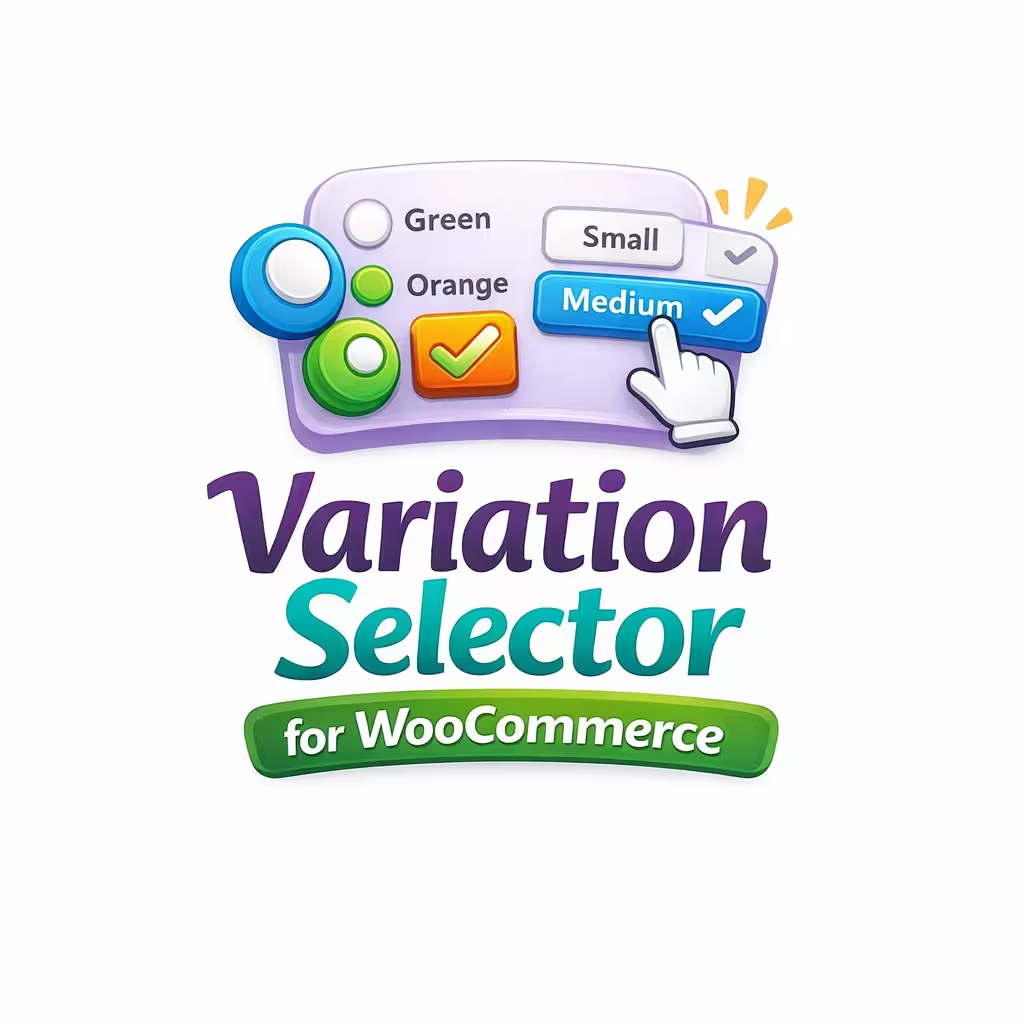
Variation Selector for WooCommerce transforms default variation dropdowns into stylish, user-friendly selectors. Choose between radio buttons, checkboxes, or button-style selectors that match your brand and improve your store’s UX instantly.
Whether you’re selling clothing, accessories, digital products, or customizable items, this plugin helps your customers make choices quickly and confidently — leading to higher conversions and fewer abandoned carts.
🔥 Key Features
✔ Multiple Input Types
Replace dropdowns with:
-
Radio Buttons
-
Checkboxes
-
Button Selectors
Choose the style that best fits your product and store design.
✔ Flexible Layouts
Display variation choices in:
-
Horizontal layout
-
Vertical layout
Ideal for both large screens and mobile users.
✔ Shortcode Support
Show variation selectors anywhere using:
Perfect for landing pages, comparison tables, or custom product layouts.
✔ Fully Responsive
Your variation selectors look great on desktops, tablets, and mobile devices.
✔ Seamless WooCommerce Integration
Works natively with WooCommerce’s variation system — no conflicts, no special setup.
✔ Easy Customization
Includes a simple settings panel with a live preview, allowing you to style selectors before applying changes.
✔ No Coding Required
Everything is point-and-click. Perfect for beginners, store owners, and developers who want quick results.
Why Stores Love This Plugin
Default WooCommerce dropdowns are outdated and slow. This plugin fixes that by providing:
-
A more modern, professional product page
-
Faster, clearer variation selection
-
Improved mobile usability
-
Higher engagement and better conversion rates
Your customers will find what they want more quickly, and they’ll enjoy the shopping experience more.
🎨 Selector Types Explained
🔘 Radio Buttons
Great for single-choice variations like Size, Weight, Material, etc.
☑️ Checkboxes
Visually clear options for browsing variations — still respects WooCommerce rules for single selection.
🔳 Button Selectors
Clean, modern, clickable buttons — perfect for colors, styles, sizes, and more.
📱 Layout Options
-
Horizontal: Display options in a row
-
Vertical: Stacked layout for better mobile flow